Tips · · By the usi3d team
First layer not sticking: causes, fixes and how to stop warping
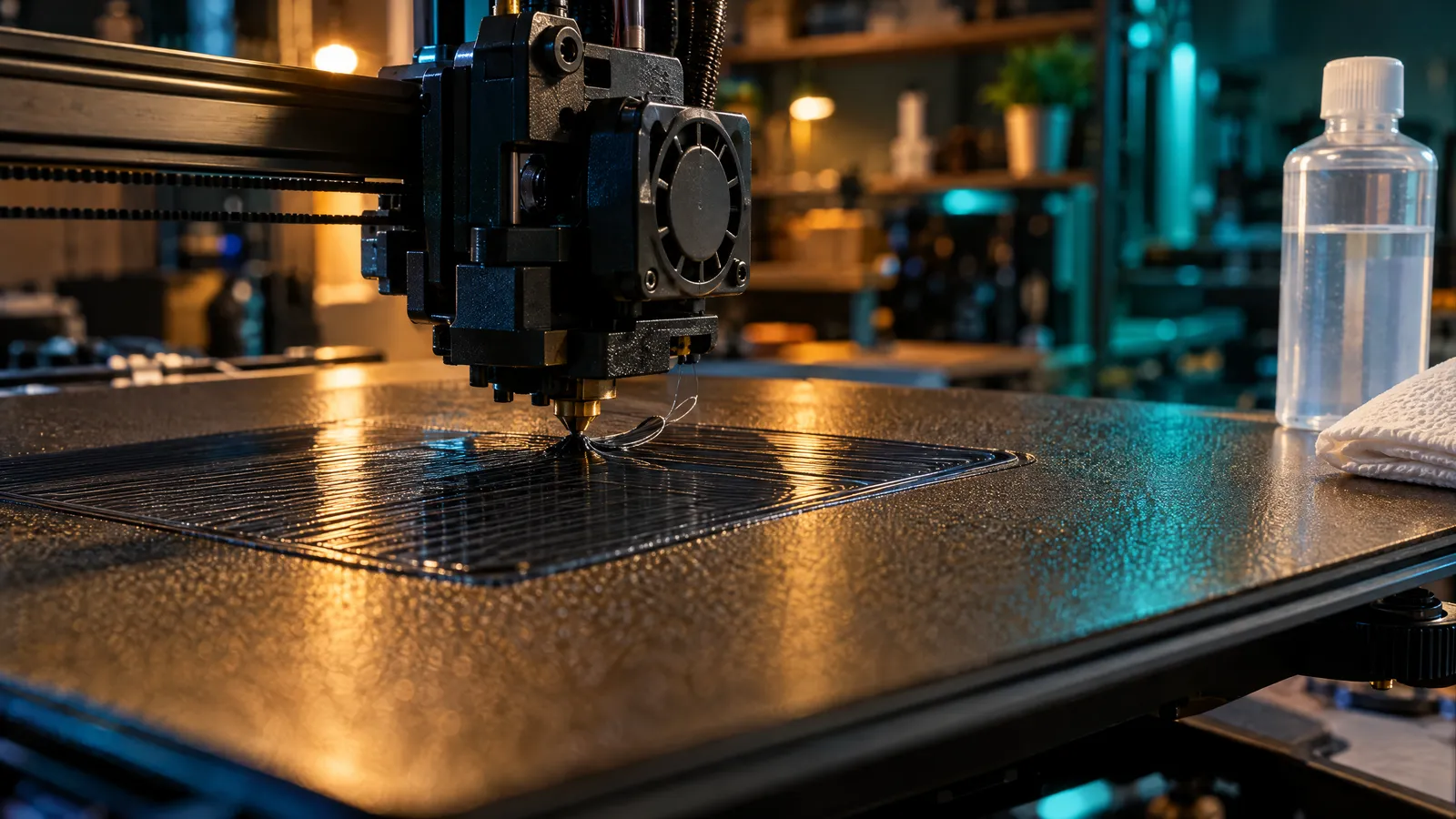
When the first layer will not stick, it almost always comes down to one of three things: grease on the bed, the nozzle sitting too high or a temperature that does not suit the material. Clean the plate cold with isopropyl alcohol of at least 90%, lower the Z offset until the lines come out slightly squashed and joined, and use the temperatures from your filament profile. If the corners still lift halfway through the print, the problem is warping, which has fixes of its own.
Key points
- The most common causes are grease on the bed, a nozzle that is too high (Z offset) and the wrong temperature.
- Round lines with gaps between them: the nozzle is too high. Translucent or ridged lines: it is too low.
- If it only fails in one area of the bed, the problem is levelling, not cleaning.
- Clean PEI cold with isopropyl alcohol of 90% or more; if that is not enough, warm water and washing-up liquid.
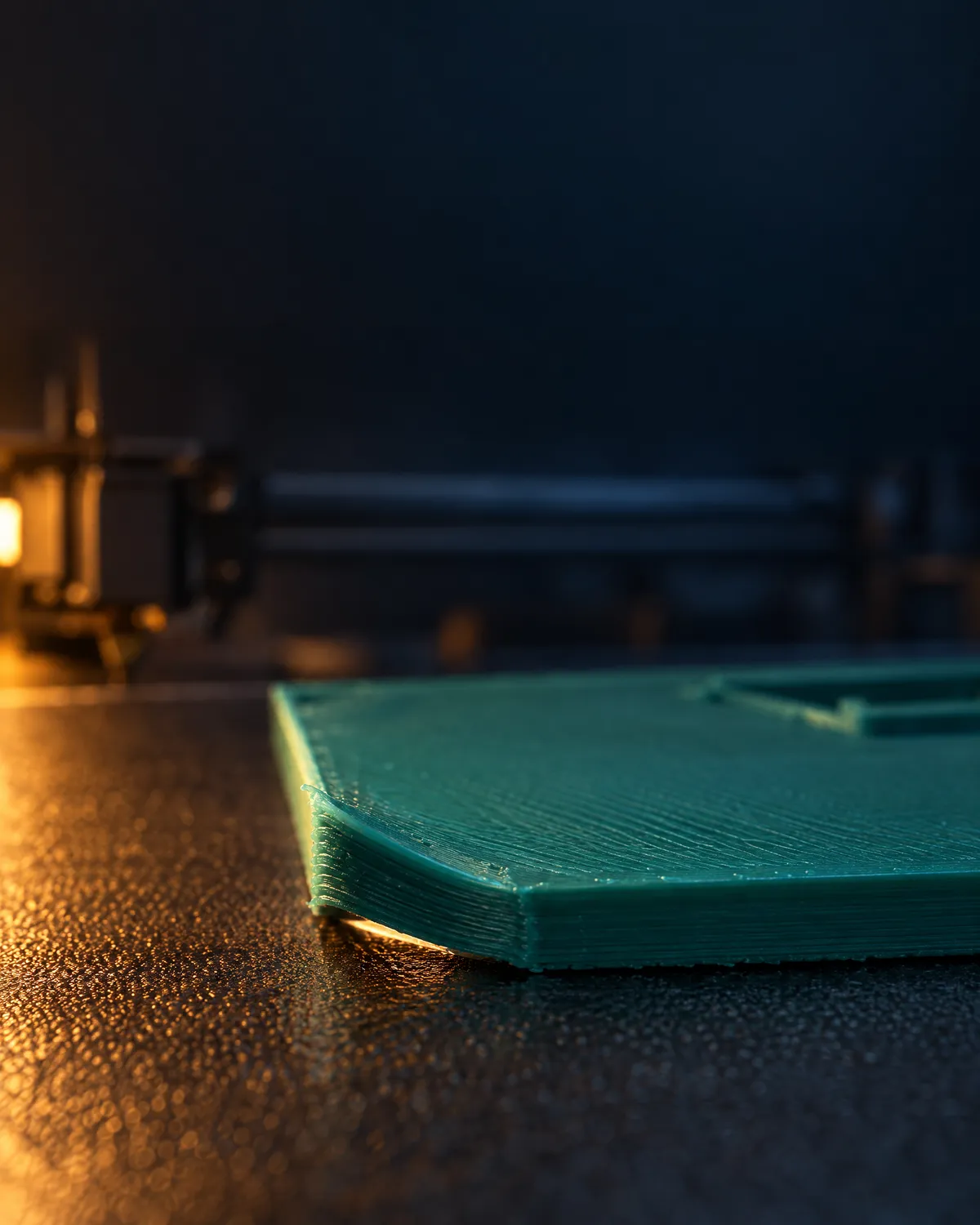
- Warping is a different problem: the first layer holds, but the plastic shrinks as it cools and lifts the corners.
How to tell why your first layer is not sticking
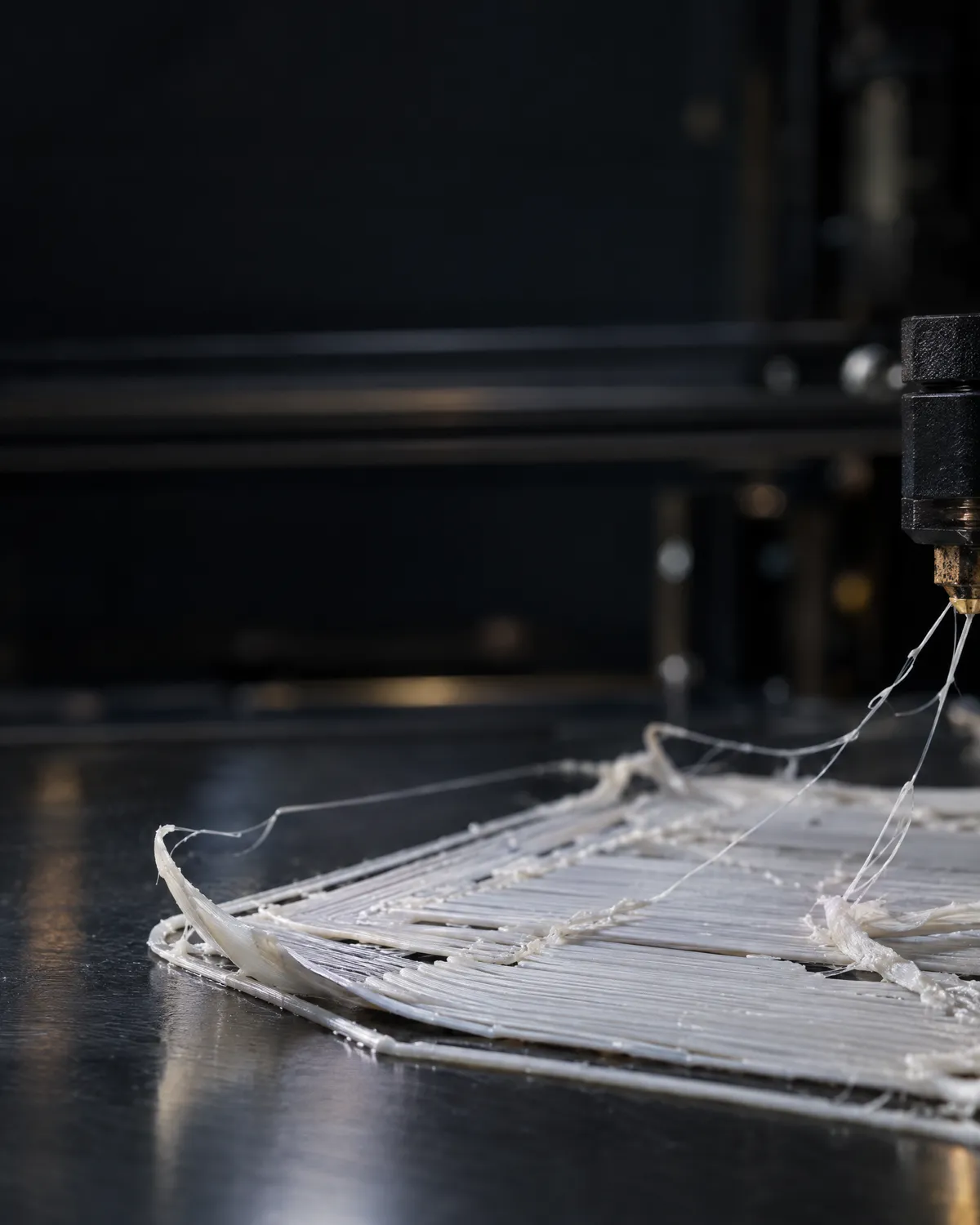
Before changing settings, look closely at the first layer, in good light, while it prints. The shape of the lines nearly always tells you where the problem is. Photograph them from the side with your phone and it is even clearer.
| What you see | Likely cause | What to do |
|---|---|---|
| Round lines with gaps between them that drag on curves | Nozzle too high | Lower the Z offset in 0.02 mm steps |
| Almost translucent lines, ridges or scratches on the plate | Nozzle too low | Raise the Z offset |
| Fine in one area, loose in another | Uneven bed or an old mesh | Redo levelling and the bed mesh |
| Lines look fine but do not grip anywhere | Grease or fingerprints on the plate | Clean cold with isopropyl alcohol |
| Thin filament, coming out in spurts or curling at the tip | Partial nozzle clog | Purge and clear the nozzle first |
| Sticks at first, then the corners let go after 20 minutes | Warping | Brim, less fan and protection from cold air |
Why the first layer does not stick, cause by cause
1. The surface is dirty
One fingerprint is enough to stop PLA gripping in that spot. With the bed cold, wipe it with unscented kitchen paper and isopropyl alcohol of at least 90%. On a smooth PEI sheet, if that is not enough, wash it in warm water with a few drops of washing-up liquid and dry it thoroughly. Do not use skin products, which contain oils, or acetone on textured sheets. From then on, handle the sheet by its edges.
2. The nozzle is too high
After grease, this is the most common cause. If the filament lands round, it does not press into the plate or join the line next to it. Use your printer's fine height adjustment (Z offset, Live Adjust Z or babystepping) and go down 0.02 mm at a time until the lines come out flat and joined, with no gaps. Do not overdo it to make up for a dirty plate: with the nozzle too low you scratch the sheet and get elephant's foot.
3. The bed is not level
If the first layer is perfect in one corner and loose in the opposite one, cleaning is not to blame. Rerun automatic levelling or, on manual machines, adjust the wheels with a sheet of paper under the hot nozzle until you feel a light drag at all four corners. On printers with a probe, redo the mesh after changing the sheet or the nozzle and whenever you move the machine. The uneven or warped bed guide covers it step by step.
4. The temperature does not suit the material
Always start from your slicer's profile for your filament and your surface, and check the slicer has the plate you actually fitted. If a new material will not stick, Prusa suggests raising the bed by 5 to 10 °C as a first step. These are the usual starting values:
| Material | Bed | Fan on the first layer | Watch out for |
|---|---|---|---|
| PLA | 55-65 °C | Off | Fingerprints and grease: it is the most sensitive |
| PETG | 70-85 °C | Off | On smooth PEI it can bond hard enough to tear the sheet |
| ABS and ASA | 90-110 °C | Off, and very low afterwards | Warping and draughts |
| TPU | 40-60 °C | Off | Print very slowly |
5. The first layer is too fast
Plastic needs a moment to settle. If your profile runs the first layer quickly, lower its speed in the slicer or from the printer's screen. As a guide, Prusa suggests 75% for the first three layers, then back to normal speed.
6. The part has too little contact area
A figurine standing on four thin legs, or a tall, narrow part, will come loose even when everything else is right. Turn on a 5 to 8 mm brim in the slicer. With PETG, ABS, ASA, nylon or flexibles on smooth PEI, a very thin layer of glue stick helps them grip and release afterwards; with PLA it is rarely needed.
7. The nozzle is partly clogged
If the filament comes out thin, in spurts or curls at the tip when you purge, no amount of levelling will fix the first layer. Treat it as a clog first: the clogged nozzle guide explains how, with filament pushed by hand, a fine needle or a cold pull. Wet filament also gives uneven lines: the wet filament guide tells you how to spot it and dry it.
What warping is and how to prevent it
With warping the first layer does stick, but as the part grows the plastic cools, shrinks and pulls the corners upwards. It is almost unavoidable on large ABS, ASA or polycarbonate parts printed on an open machine, and it shows up with PLA too if there is a window or an air conditioner nearby.
- More contact area: a wide brim, or small single-layer discs at the corners that lift.
- Less fan: off for the first layers; with ABS and ASA, off or very low for the whole print.
- Steady heat: ABS, ASA and PC in an enclosed printer or an enclosure, away from doors and windows. PLA and PETG, on the other hand, want the enclosure open, because they need cooling.
- Less speed: layers fuse better and the part pulls less.
- A different material: if a large ABS part always curls, Prusa suggests PETG as an alternative.
The step-by-step is in the warping guide and, for ASA in particular, in ASA corners lifting.
The opposite problem: the print sticks too well
Once it grips, sometimes it grips too much. A base wider than the rest is elephant's foot: nozzle slightly low or bed too hot. If the part will not budge, let the sheet cool completely and flex it; never lever a scraper against hot PEI. The classic case is PETG on smooth PEI, which can tear pieces out of the sheet: the PETG on smooth PEI guide explains how to use glue stick as a release layer.
A five-minute routine before every print
Clean the sheet cold
Isopropyl alcohol of at least 90% and unscented paper. Hold it by the edges.
Check the profile
Material, surface and nozzle in the slicer should match what is on the printer.
Purge a little filament
It should come out straight, steady and at full thickness. If not, check the nozzle before printing.
Watch the first lines
Stay with it for the first two minutes. If the lines are round, lower the Z offset there and then; nearly every printer lets you do it mid-print.
Add a brim if the part needs one
Small parts, tall parts, parts on legs, or anything in ABS and ASA: a 5 to 8 mm brim.
How usi3d helps if it still will not stick
The 3D printer troubleshooting guides include the first layer does not stick to the bed for any machine, plus brand-specific ones such as A1 and A1 mini first layer too low or the first-layer load cell on the Prusa MK4 and CORE One. We explain how they are made in the guides announcement.
If your case does not fit, take a sharp photo of the first layer and describe it to the AI in Fix 3D printer problems with AI: choose your printer, give the material and what you have already tried, and it will tell you what to check first and how to fix it, with the manufacturer's official sources.
Frequently asked questions
Why won't PLA stick to the bed?
Usually grease on the plate, a nozzle that is too high or a cold bed. Clean it cold with isopropyl alcohol of 90% or more, lower the Z offset until the lines come out squashed and set the bed to 55-65 °C.
What should I clean my 3D printer bed with?
With the bed cold, isopropyl alcohol of at least 90% and unscented kitchen paper. On smooth PEI, if that is not enough, warm water with a few drops of washing-up liquid. Do not use acetone on textured sheets.
Does glue stick or hairspray help?
A very thin layer of PVA glue stick helps PETG, ABS, ASA, nylon and flexibles on smooth PEI, and protects the sheet. With PLA on clean PEI it is rarely needed.
How do I know if the nozzle is too high or too low?
If the first-layer lines come out round with gaps between them, it is too high. If they are almost translucent, ridged or scratching the plate, it is too low. Adjust the Z offset in 0.02 mm steps.
How do I stop the corners lifting?
Add a brim, turn the fan off for the first layers and keep draughts away from the printer. With ABS or ASA, print in an enclosed printer.